

Set Mode - Automated / Manual for Scenarios
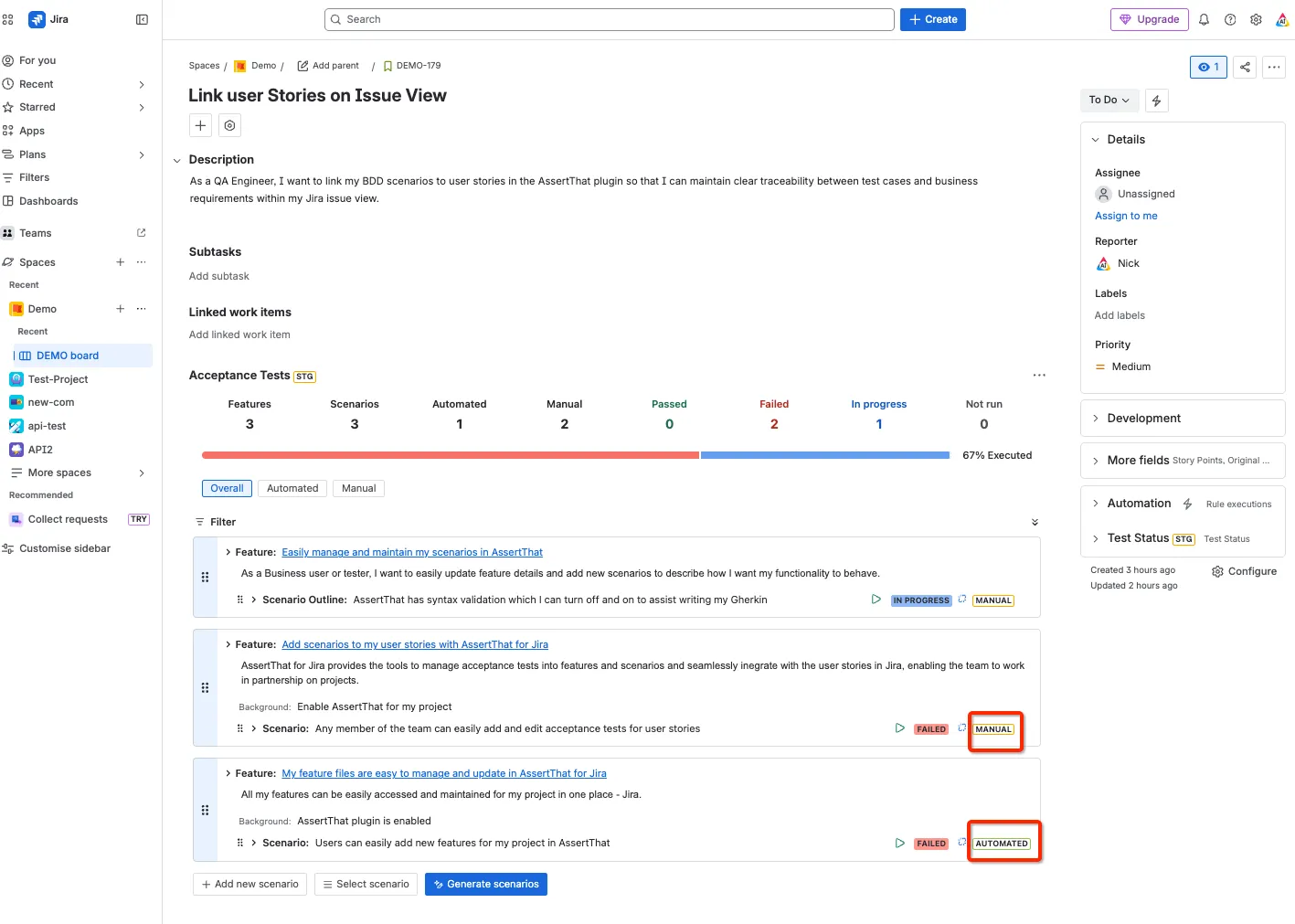
AssertThat BDD, Cucumber & Test Management for Jira uses a mode parameter for all scenarios which is set to either Manual or Automated. This is set when the scenario is either setup and can be changed at any stage on Issue View, in Features, and in Scenario Manager
Manual Scenarios
Section titled “Manual Scenarios”When set to manual the scenario will not by default be included for exporting to your test automation framework Test Automation Integration . Scenarios can be executed manually as described here Manual Test Execution
To change the mode click on the Automated / Manual toggle:
Automated Scenarios
Section titled “Automated Scenarios”When the mode is set to Automated the scenario will by default be included for exporting to your test automation framework. There are many options to further filter which scenarios are downloaded as detailed in the REST API for Jira Cloud V1 and Test Automation integration
\