

Move AssertThat Scenarios between Jira Projects
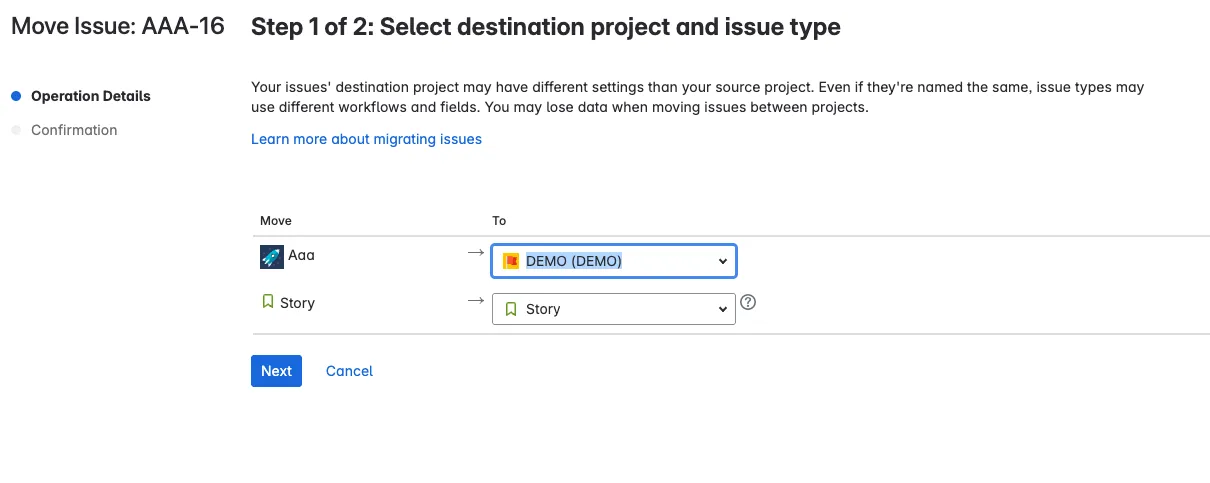
When Jira tickets are moved between Jira Projects in the same organisation, AssertThat BDD scenarios and data are moved automatically with the following data:
-
AssertThat must be enabled in the new Jira project
-
AssertThat BDD Feature and Scenario migration logic:
-
If the Feature / Scenario doesn’t exist in the new project the Feature/Scenario will be created.
-
If the Feature / Scenario exists in the new project, the Scenario will not be updated
-
If the Feature but not the Scenario exists in the new project, then the Scenario will be added to the Feature in the new project.
-
-
Execution history for manual scenarios will be copied to the new project
-
Execution history for automated scenarios will be linked to the execution history in the old project