AssertThat

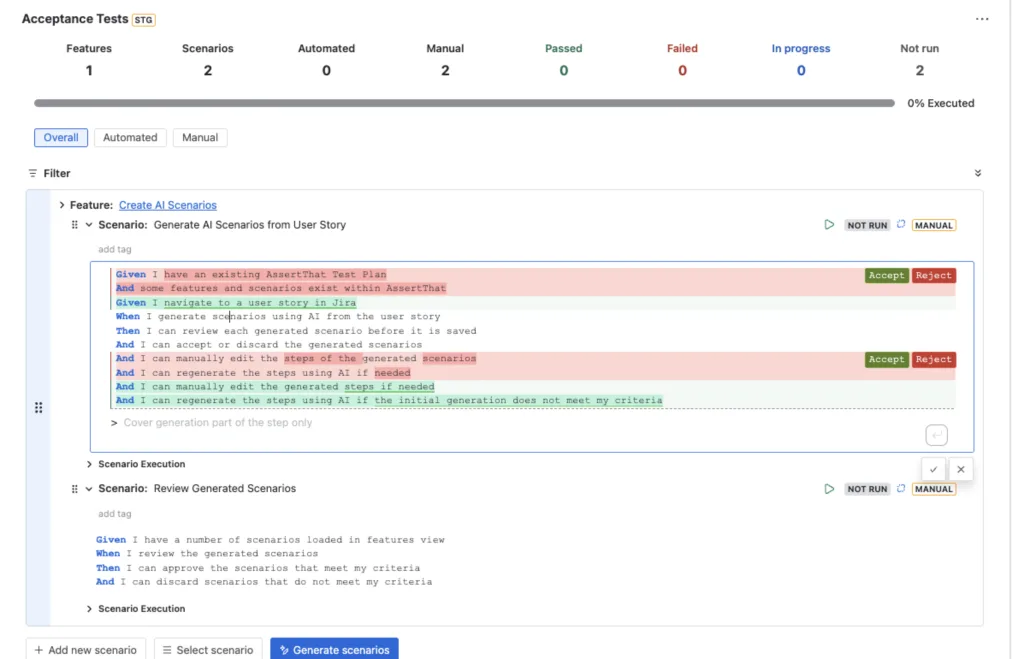
AssertThat BDD scenario view showing AI-regenerated steps with Accept and Reject buttons highlighted
AssertThat BDD for Jira AssertThat News & Product Updates

Generate BDD Scenarios with AI — Without Leaving Jira

Writing BDD scenarios takes time. Anyone who has sat down to convert a backlog of user stories into well-structured Gherkin test cases knows the drill — it’s important work, but it’s also repetitive, and it pulls QA engineers away from the higher-value thinking that actually improves test coverage. We’ve been thinking about this problem for […]

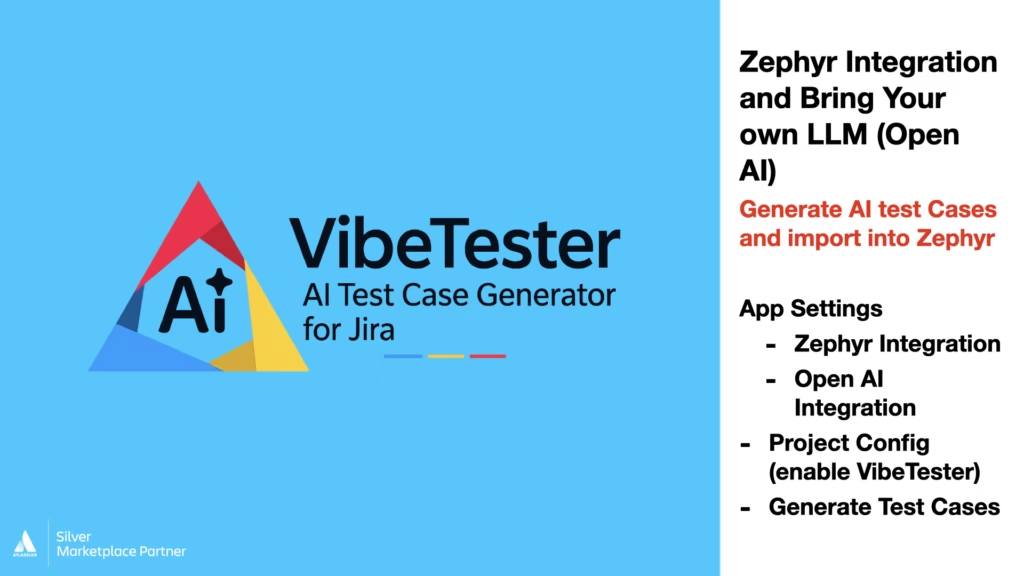
Image showing Video details for setup details for VibeTester plugin for Jira, Zephyr and Xray
VibeTester — AI Test Case Generation for Jira

VibeTester with Zephyr: AI Test Case Generation in Jira Using OpenAI, Claude & Azure

  AI test case generation Jira Zephyr is demonstrated in this walkthrough, showing how teams can configure VibeTester to generate AI-powered test cases directly from Jira issues and import them seamlessly into Zephyr Test Management. In this video, we cover how to set up VibeTester with your own LLM, including OpenAI, Claude, and Azure, or

VibeTester — AI Test Case Generation for Jira

VibeTester with Xray & OpenAI: AI Test Case Generation in Jira

AI test case generation Jira is demonstrated in this walkthrough, showing how to generate test cases using your own LLM and import them directly into Xray using VibeTester. In this video, we cover how to configure OpenAI (or other supported LLM providers) within VibeTester, set up the Xray test management integration, and enable the app

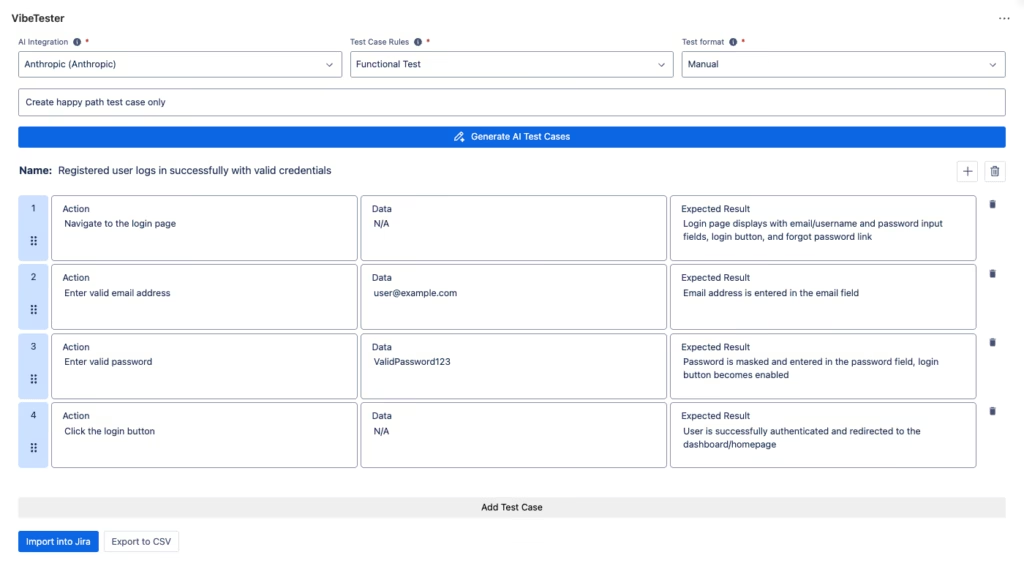
VibeTester AI Test Case Generator panel integrated in the Jira issue view
VibeTester — AI Test Case Generation for Jira

VibeTester Quick Start Video — Generate AI Test Cases from Jira Issues

AI test case generation for Jira can significantly reduce manual effort while improving test quality and consistency across teams. In this quick start video, we introduce VibeTester, an AI-powered test case generator designed to work directly within Jira and align with existing delivery workflows. In the video you’ll learn how to: Install and configure VibeTester

Scroll to Top